





安装插件
- 登录Wordpress后台
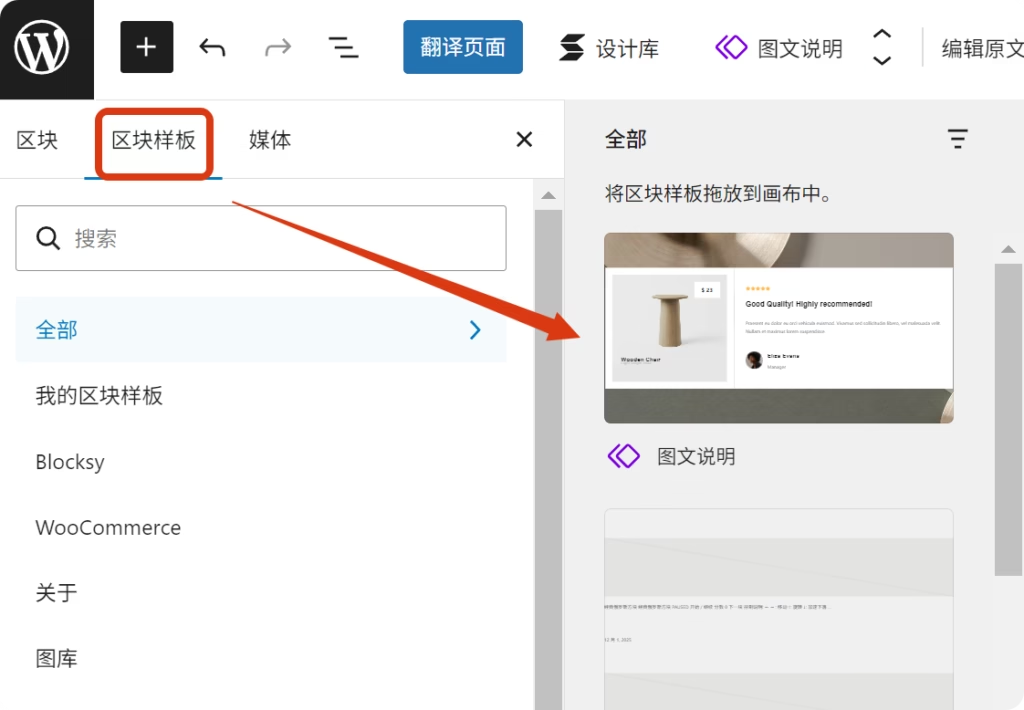
- 安装新插件
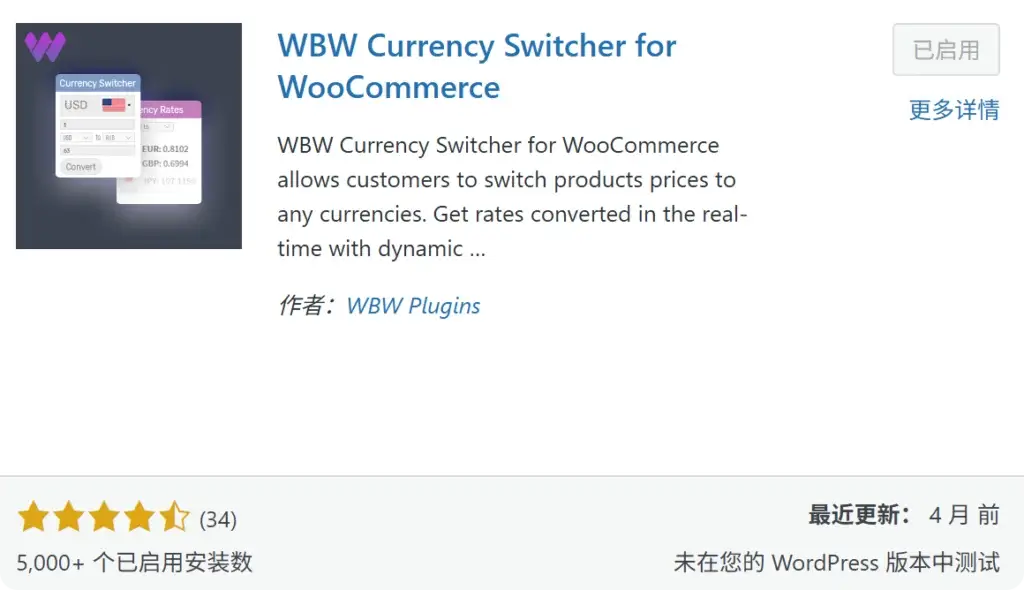
- 搜索并安装启用WBW Currency Switcher
参数设置
然后到WooCurrency中添加需要的货币,可以参考下面这篇博客教程。
放置在菜单
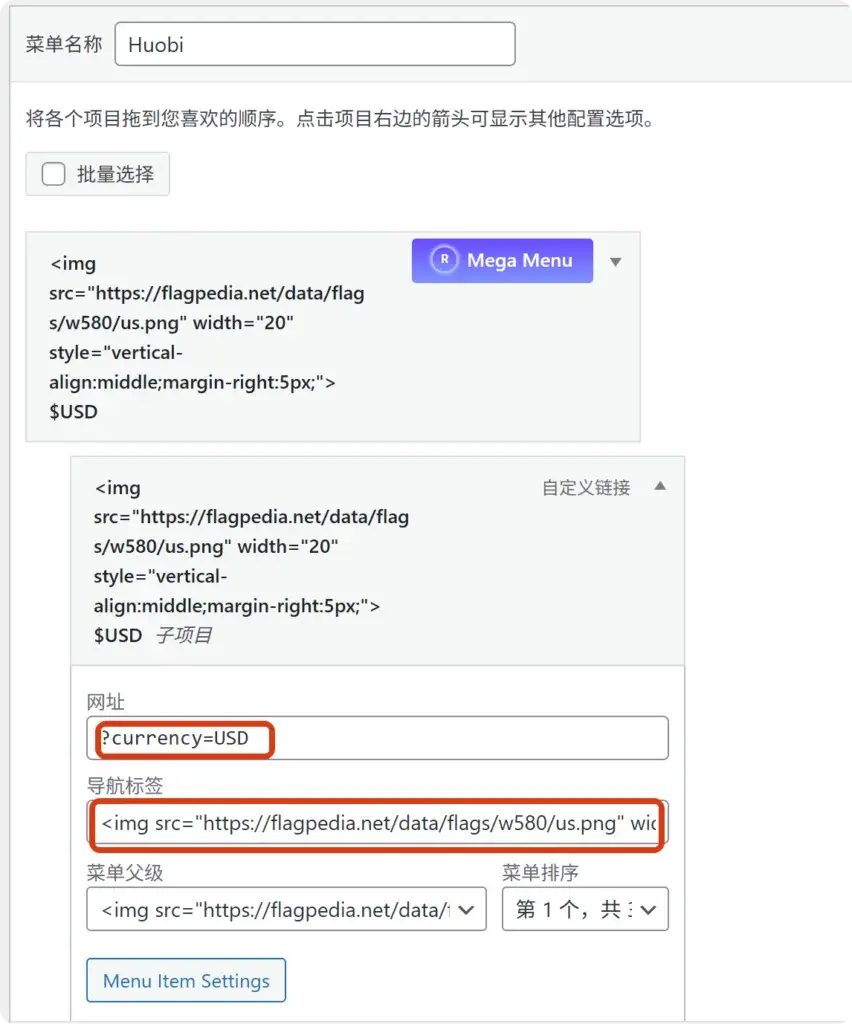
先创建一个新的菜单,然后给它添加自定义链接。参考下面的参数:
网址:?currency=USD
导航标签:
<img src="https://flagpedia.net/data/flags/w580/us.png" width="20" style="vertical-align:middle;margin-right:5px;"> $USD有几个货币就在大的菜单下建几个子菜单。
放置在菜单中
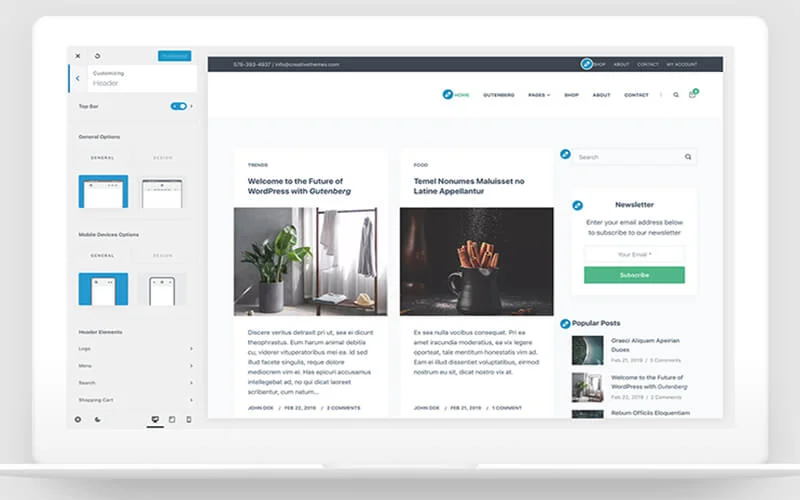
然后到自定义——页眉——菜单,把这个新建的菜单放置在合适的位置就可以了。

手机端也是一样的方法。
默认货币+手机端样式调整
因为手机端通常不存在下拉菜单的选项,所以我们需要通过弹窗的形式让用户可以更方便的选择。下面提供中间弹窗设置:
JavaScript
(function() {
const currencyData = {
'USD': { text: '$USD', img: 'https://flagpedia.net/data/flags/w580/us.png' },
'CAD': { text: '$CAD', img: 'https://flagpedia.net/data/flags/w580/ca.png' },
'GBP': { text: '£GBP', img: 'https://flagpedia.net/data/flags/w580/gb.png' }
};
const getActiveCurrency = () => {
const urlParams = new URLSearchParams(window.location.search);
return urlParams.get('currency') || localStorage.getItem('selected_currency') || 'USD';
};
// 强制同步页面所有链接,防止进入产品页后货币变掉
const syncAllLinks = () => {
const current = getActiveCurrency();
document.querySelectorAll('a[href*="onlysens.com"]').forEach(link => {
try {
const url = new URL(link.href);
if (url.pathname.includes('wp-admin') || url.hash) return;
if (url.searchParams.get('currency') !== current) {
url.searchParams.set('currency', current);
link.href = url.toString();
}
} catch (e) {}
});
};
const updateUI = () => {
const current = getActiveCurrency();
localStorage.setItem('selected_currency', current);
const data = currencyData[current];
document.querySelectorAll('.menu-item-1223 > .ct-menu-link').forEach(link => {
const arrow = link.querySelector('.ct-toggle-dropdown-desktop, .ct-toggle-dropdown-mobile, .ct-icon');
link.innerHTML = `<img src="${data.img}" style="width:20px;height:14px;margin-right:6px;vertical-align:middle;object-fit:cover;border-radius:2px;"> <span>${data.text}</span>`;
if (arrow) link.appendChild(arrow);
link.setAttribute('href', 'javascript:void(0)');
});
};
// 手机端中间弹窗 - 移除所有动画 Class
const showModal = () => {
if (document.getElementById('mobile-currency-modal')) return;
const modal = document.createElement('div');
modal.id = 'mobile-currency-modal';
const current = getActiveCurrency();
modal.innerHTML = `
<div class="modal-overlay"></div>
<div class="modal-container">
<div class="modal-header">
<span>Select Currency</span>
<span class="close-modal">×</span>
</div>
<div class="modal-body">
${Object.keys(currencyData).map(key => `
<div class="modal-opt" onclick="window.location.href='${window.location.pathname}?currency=${key}'">
<img src="${currencyData[key].img}">
<span style="flex:1;">${currencyData[key].text}</span>
${current === key ? '<span class="check-mark">✓</span>' : ''}
</div>
`).join('')}
</div>
</div>`;
document.body.appendChild(modal);
modal.querySelector('.modal-overlay').onclick = () => modal.remove();
modal.querySelector('.close-modal').onclick = () => modal.remove();
};
document.addEventListener('click', function(e) {
const link = e.target.closest('.menu-item-1223 > .ct-menu-link');
if (link && window.innerWidth < 1000) {
e.preventDefault();
e.stopPropagation();
showModal();
}
}, true);
window.addEventListener('load', () => {
updateUI();
syncAllLinks();
// 针对首页的特殊对齐
if (window.location.pathname === '/' && !window.location.search.includes('currency') && getActiveCurrency() !== 'USD') {
window.location.replace('/?currency=' + getActiveCurrency());
}
});
setInterval(syncAllLinks, 2000);
})();CSS
/* 遮罩层:瞬间变暗 */
#mobile-currency-modal .modal-overlay {
    position: fixed !important;
    top: 0 !important;
    left: 0 !important;
    width: 100% !important;
    height: 100% !important;
    background: rgba(0, 0, 0, 0.6) !important;
    z-index: 1000000 !important;
    animation: fadeInModal 0.2s ease;
}

/* 容器:强行死守中心,不准从右侧弹出 */
#mobile-currency-modal .modal-container {
    position: fixed !important;
    top: 50% !important;
    left: 50% !important;
    transform: translate(-50%, -50%) !important; /* 强制绝对居中 */
    width: 85% !important;
    max-width: 300px !important;
    background: #ffffff !important;
    border-radius: 12px !important;
    z-index: 1000001 !important;
    overflow: hidden !important;
    box-shadow: 0 10px 40px rgba(0,0,0,0.4) !important;
    animation: zoomInModal 0.2s ease; /* 改为向中心缩放出现 */
}

/* 移除任何可能的右移样式 */
#mobile-currency-modal {
    right: auto !important;
    margin: 0 !important;
}

/* 内部基础样式 */
.modal-header {
    padding: 15px;
    text-align: center;
    border-bottom: 1px solid #eee;
    font-weight: bold;
    display: flex;
    justify-content: space-between;
}

.modal-opt {
    display: flex;
    align-items: center;
    padding: 16px 20px;
    border-bottom: 1px solid #f8f8f8;
}

.modal-opt img {
    width: 24px;
    height: 16px;
    margin-right: 12px;
}

.check-mark {
    color: #ff4d94;
    font-weight: bold;
}

/* 动画:微弱的缩放 */
@keyframes fadeInModal { from { opacity: 0; } to { opacity: 1; } }
@keyframes zoomInModal {
    from { opacity: 0; transform: translate(-50%, -50%) scale(0.9); }
    to { opacity: 1; transform: translate(-50%, -50%) scale(1); }
}
以下是针对您当前插件界面的具体解决步骤:
缓存问题排除
1. 在 Speed Optimizer 中设置“缓存排除”(缓存插件)
由于 SiteGround 的缓存非常强力,您需要告诉它不要缓存带有货币参数的请求:
- 回到 Speed Optimizer 的 Caching Settings 页面。
- 找到 Exclude URLs from Caching 选项,点击右侧的“铅笔”图标。
- 在弹出的输入框中填入:
/?currency=*和*currency*。 - 保存设置。这会确保任何带货币参数的访问都会实时加载,而不是读取旧的静态缓存。
2. 执行深度缓存清理
修改完上述排除规则后,必须清除已经存在的错误缓存:
- 在 Caching Settings 页面,点击那个紫色的 PURGE CACHE 按钮。
- 如果您使用了 Cloudflare 等 CDN,也请同步在 CDN 端执行“清除所有缓存”。
为什么详情页显示正常?
详情页通常访问量比首页低,缓存可能尚未生成,或者您在进入详情页时浏览器已经带上了正确的 ?currency=USD 标记,所以插件能实时渲染出正确价格。首页显示加币是因为它是访问量最大的页面,最容易被 Speed Optimizer 锁定在某个错误的瞬间。
操作建议: 完成 PURGE CACHE 后,请务必用手机的无痕模式测试。如果首页恢复了美元且点击正常,说明排除规则已生效。
© 文章版权归白小菌所有,🫰欢迎转发分享。未经允许请勿抄袭转载。